
Sound Town 16 Channels Wireless Microphone Karaoke Mixer System, Supports HD ARC, Optical (Toslink), Smart TV, Media Box, PC, Bluetooth, Soundbar, Receiver, AUX (SWM15-PROS)



Product Features
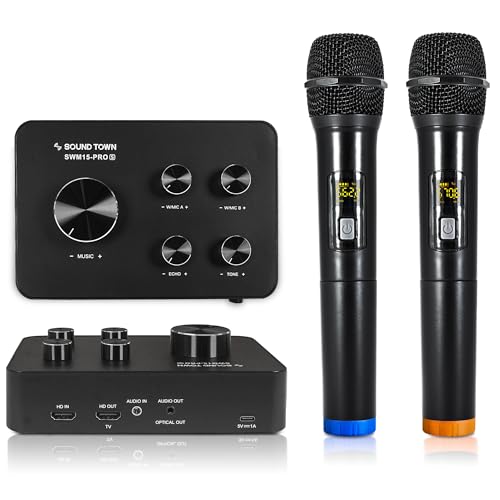
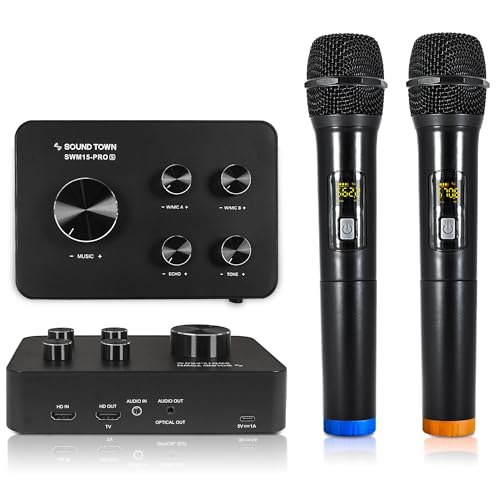
VERSATILE COMPATIBILITY: The SWM15-PROS‘ multiple input / output connectors including HD Audio Return Channel, 3.5mm and optical combo output enables it to be compatible with a variety of devices including smart TVs (HDMI ARC needed), home receivers, soundbars and etc.
HD Audio Return Channel FUNCTION: Please check the pictures for CEC/PCM setting guidance. Please help make sure to enable your TV’s CEC and choose PCM as audio format under expert setting on the TV. The HD Audio Return Channel on the SWM15-PROS karaoke mixer allows you to extract the audio from the TV to the mixer. This allows the mixer to blend the music and vocal, and send the mixed signals to a soundbar or amplifier (HDMI cable is not included)
AUX/OPTICAL COMBO: The Audio Out port can be served as either an AUX (3.5mm Jack) or Optical output (with the included AUX to Optical adapter). It supports a variety of sound bars like Bose 300/500/700, Samsung, Vizio, etc.
EASY-TO-SETUP: With up to 16 selectable frequencies and independent volume controls, the karaoke mixer system supports up to 2 wireless mics or 2 wired mics (not included) and its operation range is up to 100 feet line-of-sight
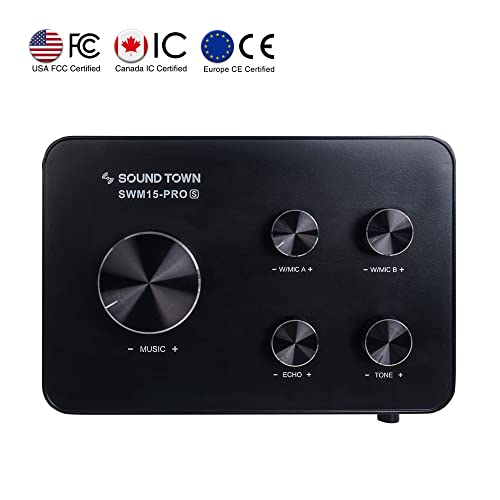
CONNECTION DIAGRAM: 1. To use this product via the TV connection, refer to the “How to Connect” section on the connection diagram for setup and "IMPORTANT" section in the picture to enable your TV’s ARC function and choose external speakers in the TV settings. 2. If you are experiencing little to no volume for the mics, turn the volume much higher on your TV, Sound Bar, and Receiver; then on the SWM15-PRO mixer, turn the “MUSIC” volume knob low to mid level (20%-30%) and adjust “W/MIC” volume knob on the top right to max
Related Products



There are no customer reviews yet. Be the first to Write a Review!