
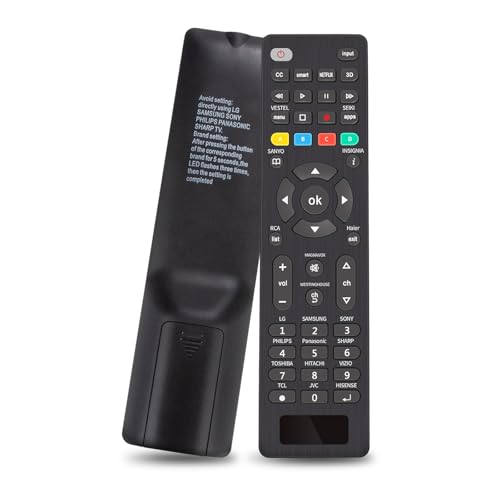
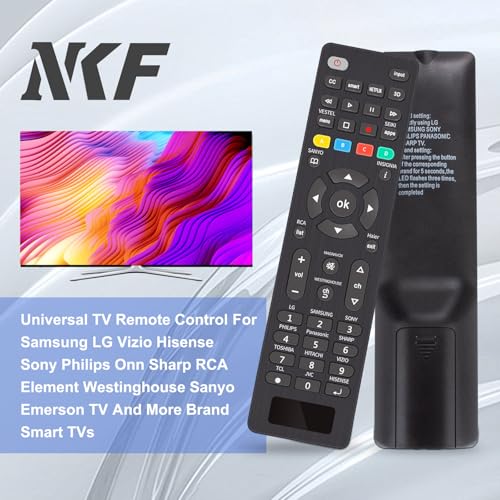
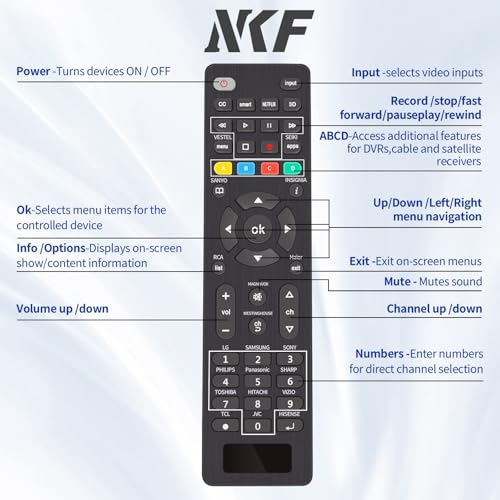
NKF RC-G008 Universal TV Remote: for Samsung LG Vizio Hisense Sony Philips Onn Sharp RCA Element Westinghouse Sanyo Emerson TV and More Brand Smart TVs - with Instruction Manual.
Product Features
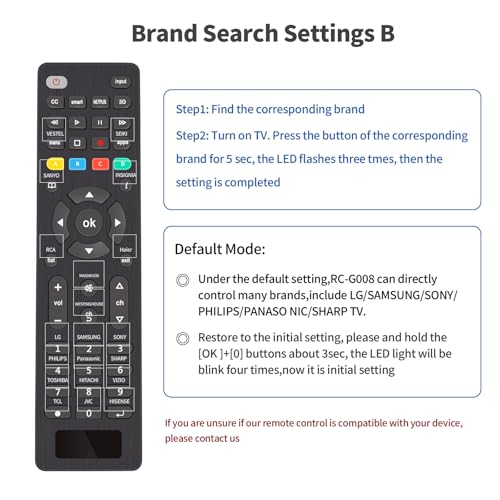
Compatible Devices: This RC-G008 universal remote control is widely compatible for Samsung LG Vizio Sony Hisense Onn Sharp RCA Element Westinghouse Sanyo Emerson Philips JVC Sceptre Sansui Panasonic Magnavox Skyworth and More Brand Smart TVs, such as DVD/Blu ray players and media streaming players.
NOT Compatible Devices: Universal remote is Not compatible with Streaming Sticks/ Sound Bar/ All TV Sticks/ All Fi TV/ All TV Cube (This product can only be connected and paired via infrared) If you are unsure if our tv remote control universal is compatible with your device, please contact us.
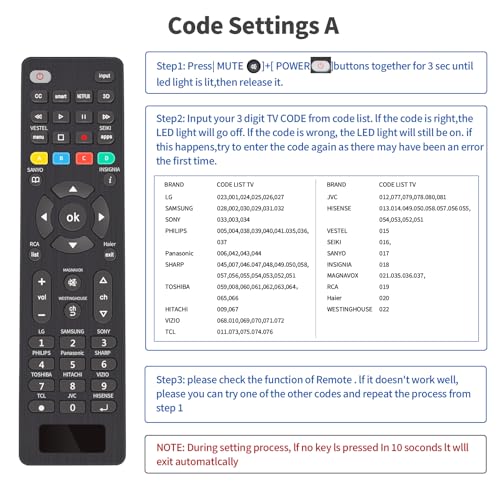
Simple Setup: 1: Find Your Codes: Look up your device type (like TV or DVD) in the code list. Find and circle all the codes for your brand. 2: Enter Setup Mode: Press and hold the (SETUP) button for 3 seconds until the red light turns on. 3: Select Device: Press the (TV/STR/AUD) button. The red light will blink once and stay on. 4: Enter the Code:Type the first 4-digit code for your brand from the list. 5: Test the Remote: Point the remote at your TV and test the buttons. If it doesn't work, repeat steps 2-4 with the next code on your list. Tip: If no codes work, try the "Automatic Code Search" method described on page 7 of the manual.
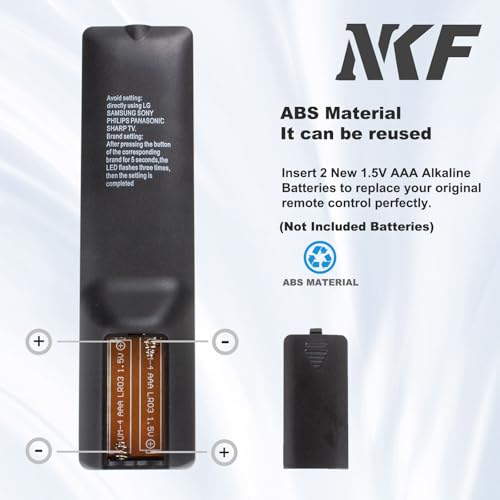
Packaging List: Control Universal Para TV x1, User Manual x1. Power Supply Suggestion: Use 2 AAA alkaline batteries (not included). Attention: Do not mix old and new batteries or batteries of different models
Customer Support: Your satisfaction is our top priority. Our dedicated support team is available to assist with any questions about your order or the product. Please feel free to contact us — we guarantee a response within 24 hours on business days.
Related Products


![GreatShield Universal Screen Cleaning Kit, Microfiber Cloth + 2 Sided Brush + Non-Streak Solution Spray [for TV, Laptops, PC Monitors, Smartphones, Tablets, Camera, Keyboard and Other Electronics]](https://m.media-amazon.com/images/I/51dd5gDlb4L.01_SL120_.jpg "GreatShield Universal Screen Cleaning Kit, Microfiber Cloth + 2 Sided Brush + Non-Streak Solution Spray [for TV, Laptops, PC Monitors, Smartphones, Tablets, Camera, Keyboard and Other Electronics]")
There are no customer reviews yet. Be the first to Write a Review!