
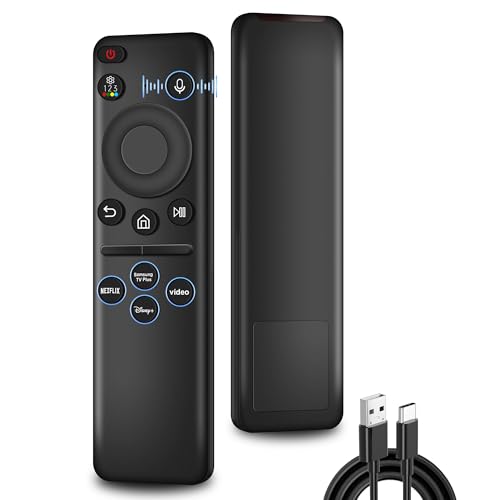
Rechargeable Replacement for Samsung TV Remote, for All 2019-2025 Samsung Remote Control for Smart TV with Voice Control, No Solarcell, with USB-C Charging
Product Features
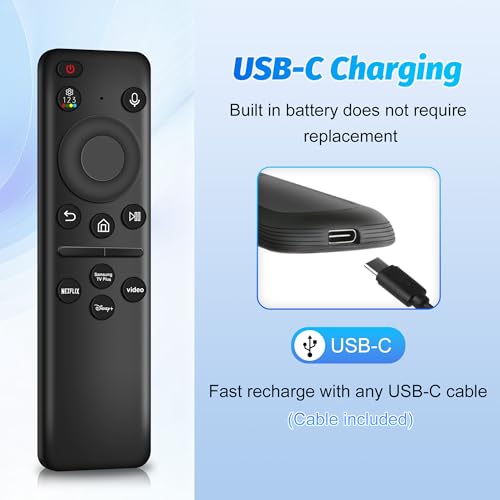
USB-C Charging: Warning: Please charge the remote before first use. Only a 5V/2A charger can properly charge this remote; others may fail! Never worry about running out of battery—this remote charges effortlessly via USB-C, and the fast USB-C option ensures instant power when you need it. The charging cable is included
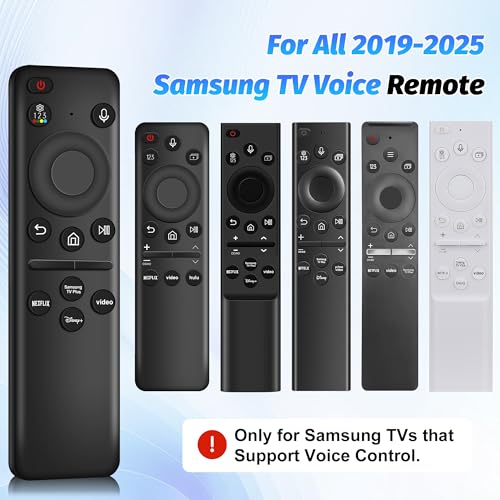
Compatible with All Samsung TV Remote Models: Great replacement for 2019-2025 Samsung voice remotes models: BN59-01385A/B, BN59-01432A, BN59-01455A, BN59-01357A/F, BN59-01312A BN59-01312F BN59-01312D BN59-01312E BN59-01312F BN59-01312G BN59-01312K BN59-01312L BN59-01312M BN59-01312X BN59-01312U BN59-01312T BN59-01329A BN59-01329C BN59-01329F BN59-01330A BN59-01330C BN59-01330H BN59-01330N BN59-01330Q BN59-01330N BN59-01330M BN59-01330H BN59-01312Q BN59-01357F BN59-01385B and more
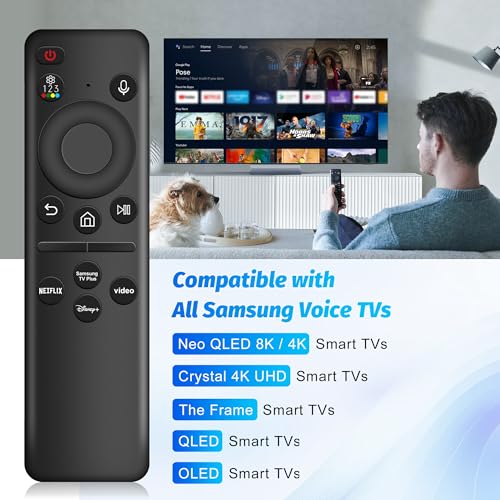
Compatible TV Models: This remote is designed for Samsung TVs from 2019-2025 that supports voice control, Fully compatible with Samsung Frame, Crystal 4K UHD, Neo QLED 4K/8K, OLED, QLED Smart TVs. Note: The voice control on this remote requires your Samsung TV to have voice capability; otherwise, it won't work
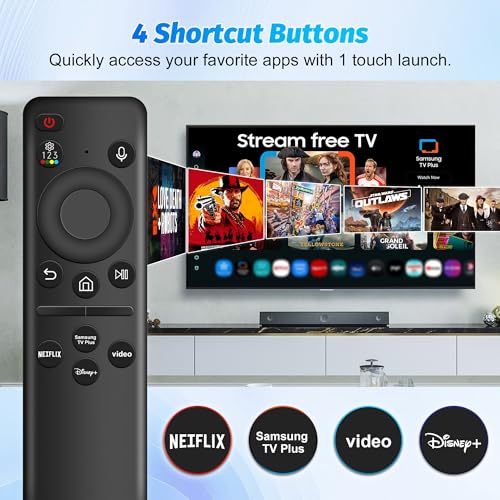
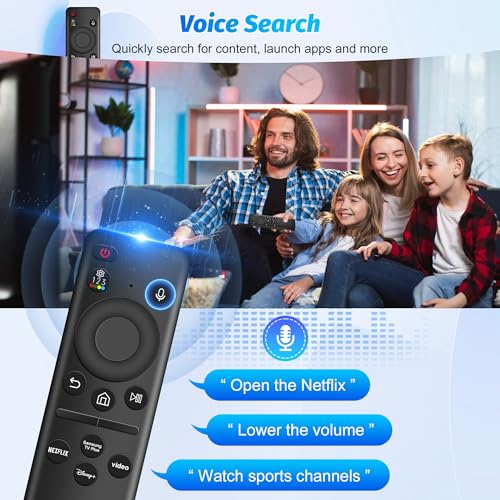
Voice Control with 4 Shortcuts Button: With built-in voice control, you can ask it to find your favorite content. Preset 4 app button shortcuts, quick access to your favorite content. Powered by an advanced chip, this remote delivers accurate Bluetooth voice control from up to 45 feet away
Simple Pairing Process: Make sure the remote is fully charged, and Press and hold the Back/Exit and Play/Pause buttons simultaneously for 5-7 seconds until you see "Pairing complete" on your TV screen. If pairing fails, repeat the process, also you can refer to the manual to program the pairing
Related Products

There are no customer reviews yet. Be the first to Write a Review!