
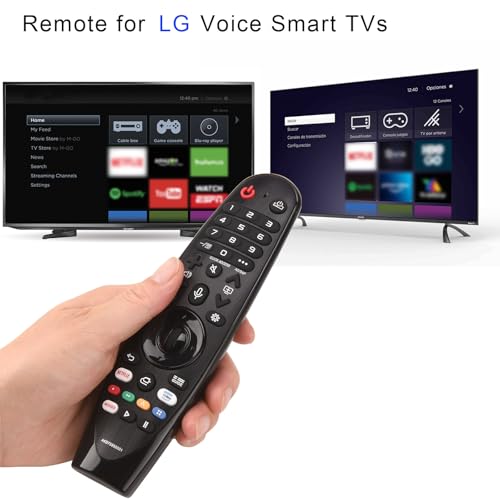
Replacement for LG TV Remote with Voice and Pointer Function,Compatible with Magic MR20/21/22/23/24GA UHD OLED QNED 4K 8K Smart TV

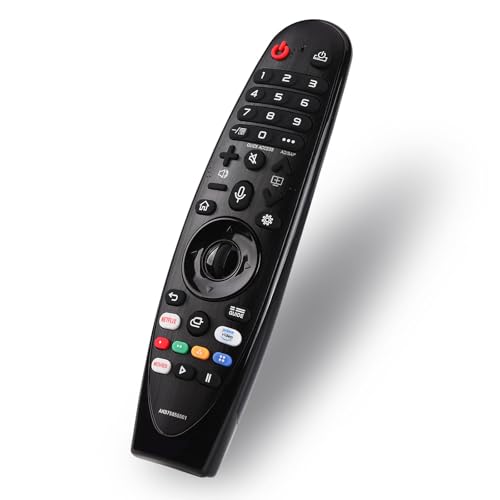
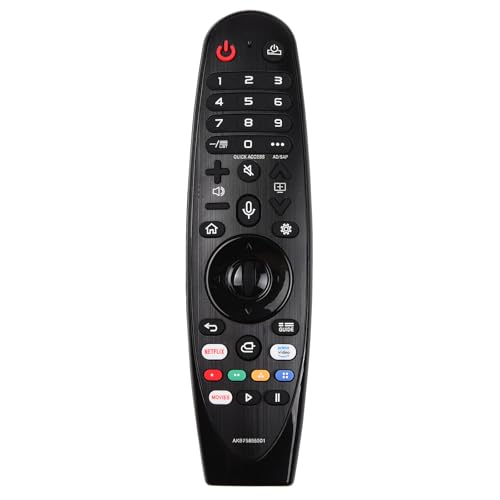
Product Features
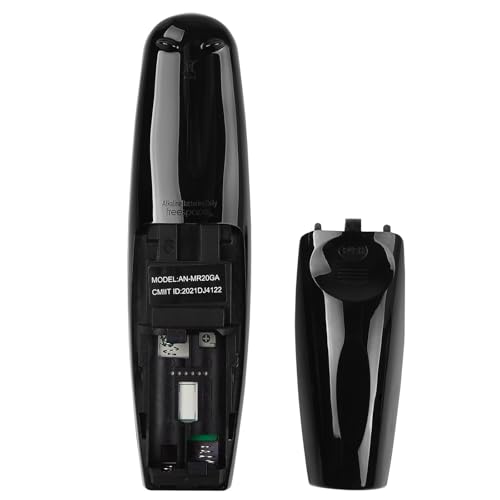
?Easy Pairing? Turn on the TV and insert 2*1.5V AA batteries into the remote. After approximately 20 seconds, point the remote at the TV and press the scroll wheel (OK). The remote will register automatically, and a "Pairing Complete" message will appear on the TV screen.
?Mouse Function? The device also offers intuitive navigation through pointing, clicking, and scrolling functions, featuring 2 preset popular shortcut buttons for quick access to your favorite content. If the pointer stops working, press and hold the GUIDE button for over 5 seconds to disconnect and simultaneously re-register the motion sensor remote.
?Voice Control? To enjoy advanced voice and pointer features with the Magic Remote (including Google Assistant/Alexa support), first pair it with your LG TV. Ensure your network connection is active when using voice recognition. Features 2 dedicated hotkeys for instant access to NETFLIX and AMAZON channels.
?Compatibility? Compatible with LG OLED | UHD | NanoCell | 4K | 8K | webOS Smart TV models: ZX, WX, GX, CX, BX, W9, E9, C9, B9, NANO99, NANO97, NANO95, NANO91, NANO90, NANO86, NANO81, NANO80, SM99, SM95, SM90, SM86, SM81, UN85, UN81, UN80, UN74, UN73, UN71, UM80, UM75, UM73, UM71, UM6970 series.
?Package Contents? 1 × Remote Control 1 × User Manual (Note: Requires 2×1.5V AA batteries. Batteries not included.)
Related Products

There are no customer reviews yet. Be the first to Write a Review!