
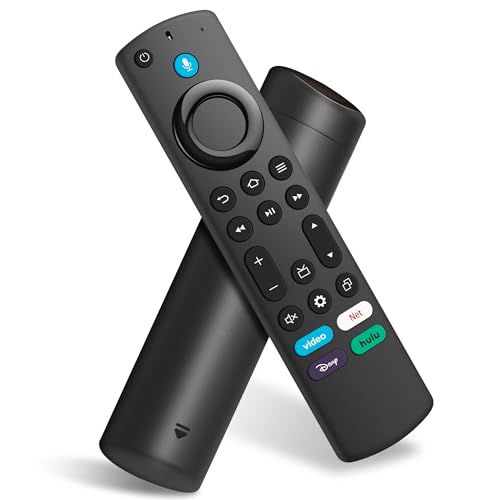
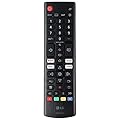
Replacement Voice Remote Control for All-Insignia-Toshiba-Pioneer-Series Smart TV/NS-RCFNA-21
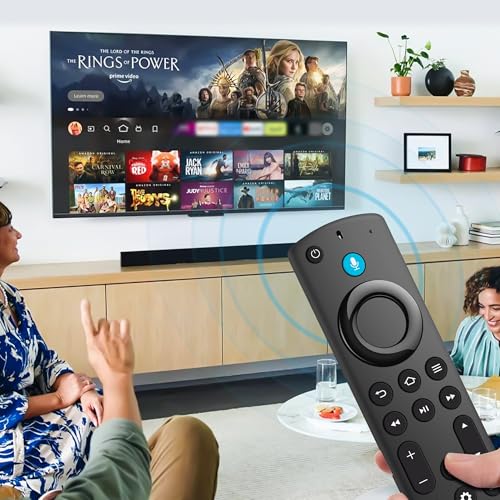
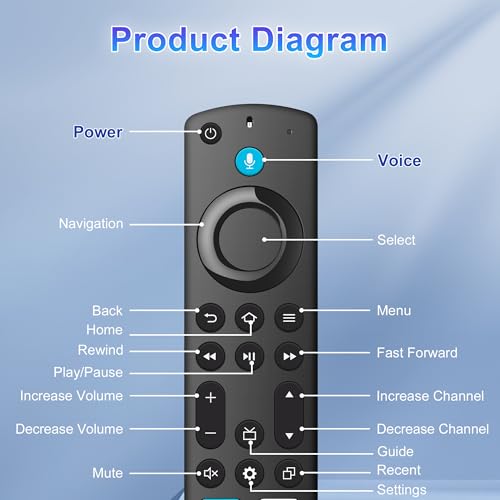
Product Features
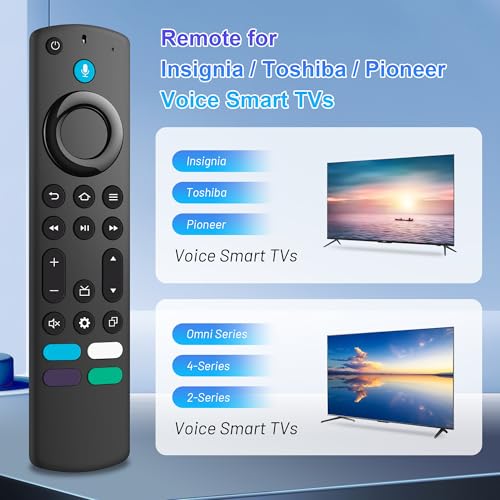
Model: for Toshiba Smart TVs: LF711 / LF621U / LF421U / LF221U / C350 / A810U / A710U / M550 / V35 series, for Insignia Smart TVs: F30 / F20 / F50 / DF710 / DF711 / DF310 / DF510 / DF311 / DF620 series, for Pioneer TVs: PN450 / PN651 / PN851 / PN951 series ect
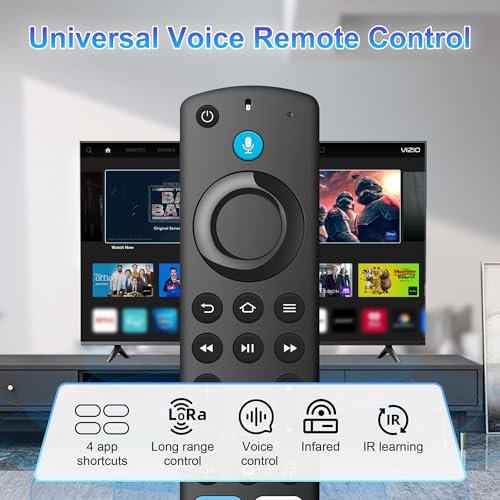
All-in-one Remote Control: Universal Voice remote controls for Insignia/Toshiba tv remote controls (NS-RCFNA-21, CT-95018, CT-RC1US-21, NS-RCFNA-19, CT-RC1US-19, etc.), achieve seamless fit for use
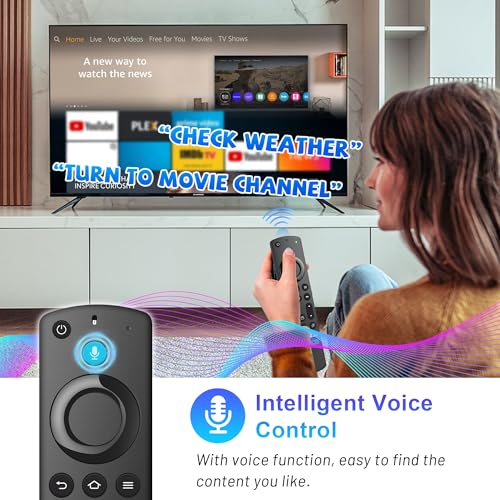
Voice Search & Shortcut Button: Do more with universal replacement remote-play music, view sports scores, check the weather, see live camera feeds, and control compatible smart home devices. Preset 4 app button shortcuts, Quick access to your favorite content
Easy to Pair: First you need to remove stick from TV and power from stick. Then reattach power and stick back in TV. Then Press the Home button about 10-15 seconds until the LED indicator starts to rapidly flash amber for 10 seconds, then your remote will automatically pair with your device
What You Get: 1 *Universal Replacement Remote Control(2 AAA batteries not included),1 * User Manual
Related Products

There are no customer reviews yet. Be the first to Write a Review!