
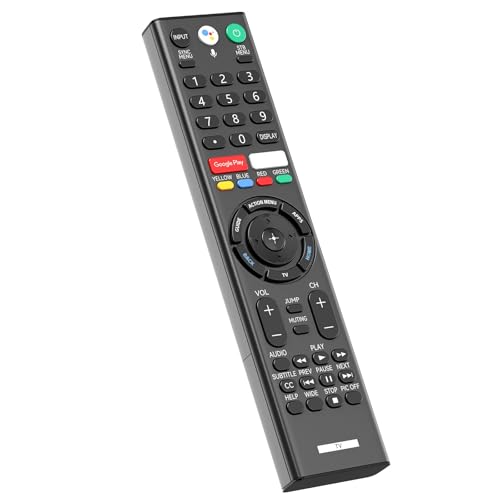
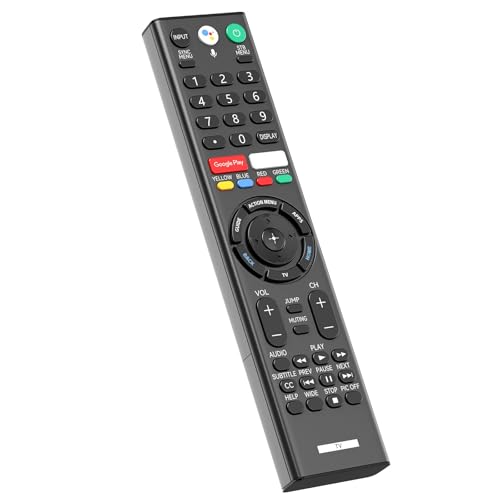
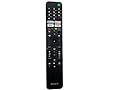
RMF-TX310U Voice Replacement Remote Control with Mic for Sony 4K Smart Bravia TV XBR-43X800G XBR-49X800G XBR-49X900F XBR-55X800G XBR-65X900F XBR-65X800G XBR-75X900F XBR-75X800G XBR-85X900F


Product Features
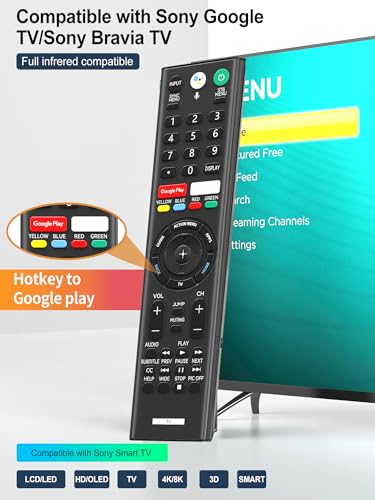
?Compatbile with Sony 4K Smart Bravia/Goolge TVs?RMF-TX310U replacement voice remote with mic compatible with XBR-43X800G XBR-49X800G XBR-55X800G XBR-65X800G XBR-75X800G XBR-85X800G XBR-49X900F XBR-55X900F XBR-65X900F XBR-75X900F XBR-85X900F XBR-49X850F XBR-55X850F XBR-65X850F XBR-75X850F XBR-85X850F XBR-85X855F XBR-60X830F XBR-70X830F XBR-55A8G XBR-65A8G.
?How To Pairing?Before use, please pair the remote control with the TV. The pairing method is as follows: 1. Click on the home page to set, select the remote control and accessories, and choose to connect a new remote control. 2. Press and hold the VOL- key and the Google Assistant key for 3 seconds to start pairing. 3. Press the OK button to complete the pairing. ?Note: you can use the voice microphone function only after pairing is successful?
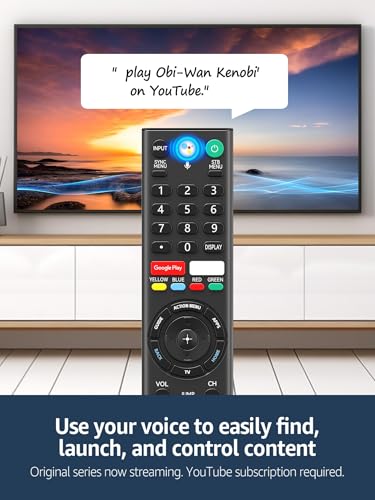
?Voice Assistant Shortcut?Effortlessly command your Google/Bravia TV with dedicated shortcuts for Google Assistant, making control as easy as speaking a few simple words.
?2 Shortcut Buttons?With just one click on the remote dedicated shortcut buttons for Netflix, Google Play allow you to directly access your favorite streaming platforms.
?Package Included?1 * Voice Remote Control (2 X 1.5V AAA batteries are not included)
Related Products


There are no customer reviews yet. Be the first to Write a Review!