
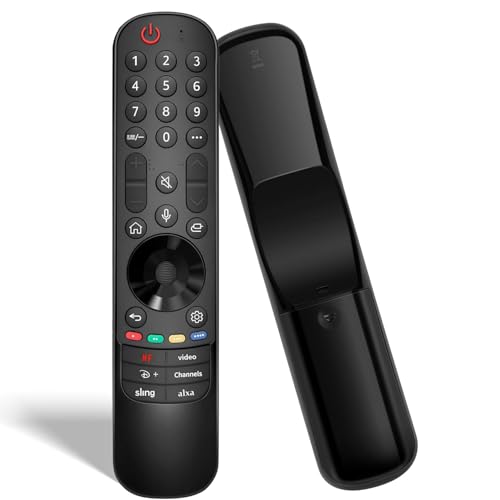
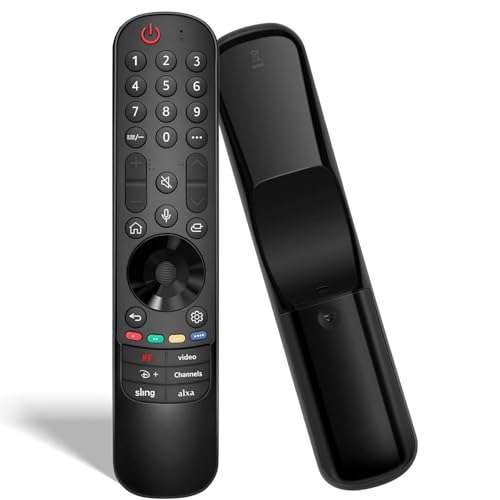
Universal Replacement Remote for LG TVs: for All OLED, QNED, Nano, UHD 4K/8K webOS Smart TVs & for Magic Remote Series MR21/22/23/24GA/GN/GC – Featuring Voice Control, Pointer, and Streaming Hot Keys

Product Features
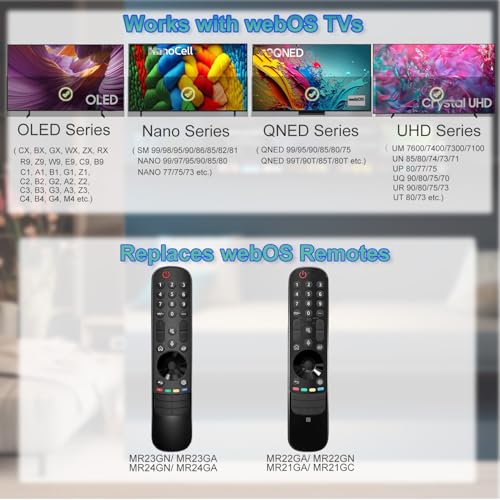
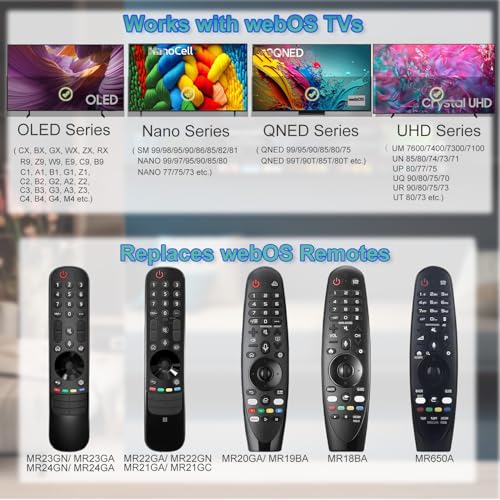
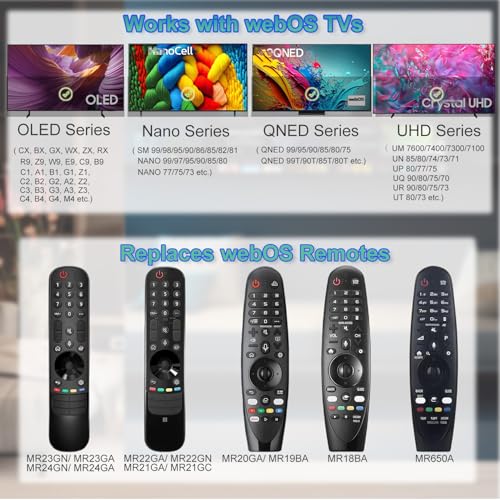
Works with webOS TVs: This Magic Remote Control Replacement Is Compatible with LG Smart TVs (2018-2025 Models). It Is Universally Compatible with All OLED Series (Including Z/G/C/B/R/M), NanoCell Series (Such as NANO99/97/95/90/85/80/77/75), QNED Series (Including 99T/90T/85T/80T), and 4K UHD Series (Covering UM/UN/UP/UQ/UR/UT Models).
Replaces webOS Remotes: This Remote Control Replacement Is Compatible with LG Remote Models Such as AKB76045002/MR24GA, and the MR Series Including AN-MR18BA, AN-MR19BA, AN-MR20GA, AN-MR21GA/GC, MR22GA/GN, MR23GA/GN, and MR24GA/GN. Note: It Is Not Compatible with Soundbars or TV Boxes. Please Always Verify Your Original Remote Model Before Purchase.
Voice & Pointer Control: Enjoy Seamless Control with the LTNOKLTN Remote. Leverage Voice Commands for Hands-Free Operation, Precise Pointer Navigation with a Scroll Wheel, and 6 Dedicated Shortcut Keys for Instant Access to Your Favorite Streaming Apps.
Easy Pairing & Setup: First, to Unpair an Existing Remote, Press and Hold the HOME and BACK Buttons Simultaneously Until the Indicator Light Turns On. Then, to Pair This New Remote, Install 2 AA Batteries (Not Included) and Turn On Your TV. Next, Press and Hold the VOICE Button; Once the TV Prompts You On Screen, Press the SCROLL WHEEL (OK) Button to Complete Pairing. (Optional Tip: If the Pointer Doesn't Work, Hold the GUIDE Button for 5 Seconds to Reset the Sensor.)
Important Note: For Best Results, Begin by Unpairing Any Previously Used Remote. Please Have 2 AA Batteries (1.5V) Ready, as They Are Required but Not Included. For the Smoothest Setup, We Recommend Consulting the Detailed Steps in the Included User Manual.
Related Products

There are no customer reviews yet. Be the first to Write a Review!