
Voice Replacement for All Fireseries TV Remote, TV Cube/Stick 4K Max/4K, Stick(2nd/3rd Gen), Stick Lite, Hisense, Omni Series, Insignia/TCL/Pioneer Smart TV
Product Features
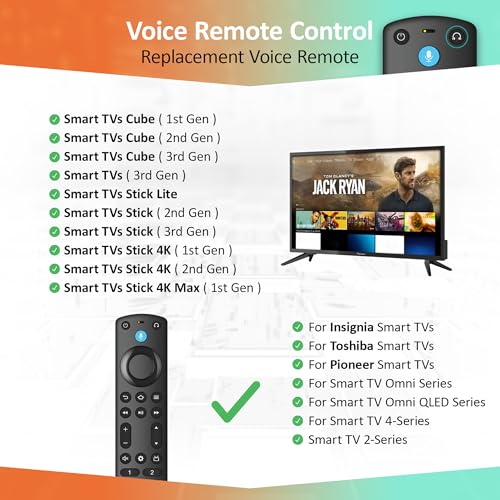
Compatible with: Works with Smart TVs Cube (1st / 2nd / 3rd Gen), Smart TVs Stick 4K Max (1st / 2nd Gen), Smart TVs Stick 4K (1st / 2nd Gen), Smart TVs Stick (2nd / 3rd Gen), Smart TVs Stick Lite, TV Stick HD, Smart TVs (3rd Gen), and is a great fit for Hisense, Omni Series, 4-Series, Insignia, Toshiba, Pioneer Smart TV
Not Compatible: This remote will not work with Smart TVs (1st and 2nd Gen), Smart TVs Stick (1st Gen), or Smart TVs Edition smart TVs. If the product does not work, send us a message — we will make sure to give you the best solution in the end
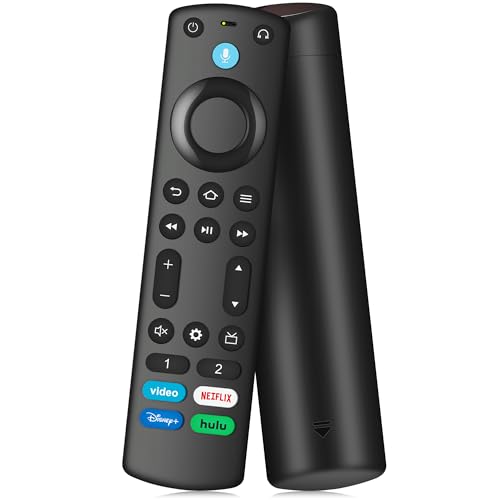
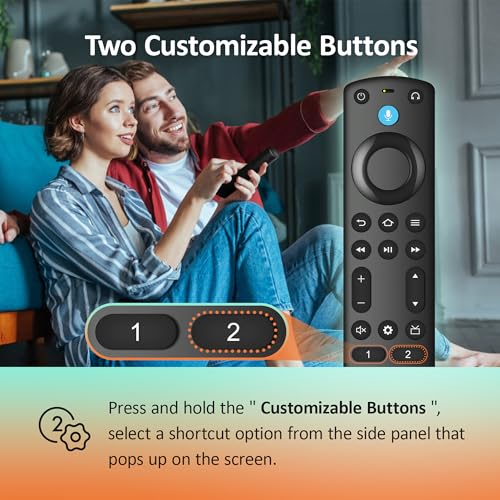
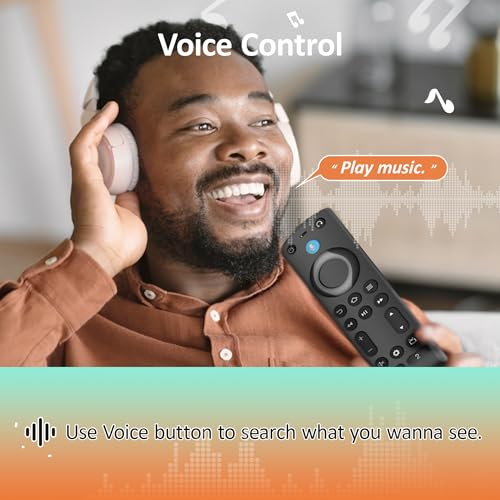
With Voice Function: Use your voice to find your favorite content. Easily jump to your favorite scenes using standard navigation and playback controls. Includes 4 preset app shortcut buttons for quick access to your favorite content
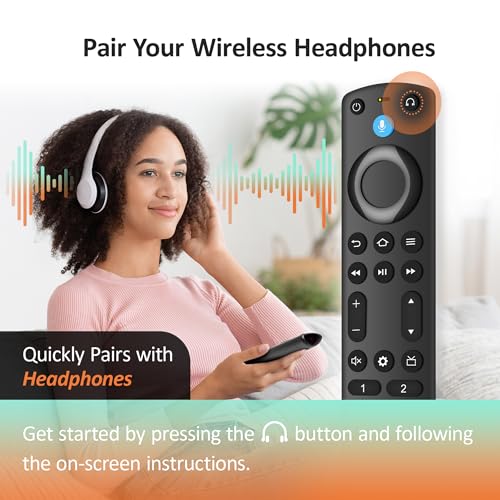
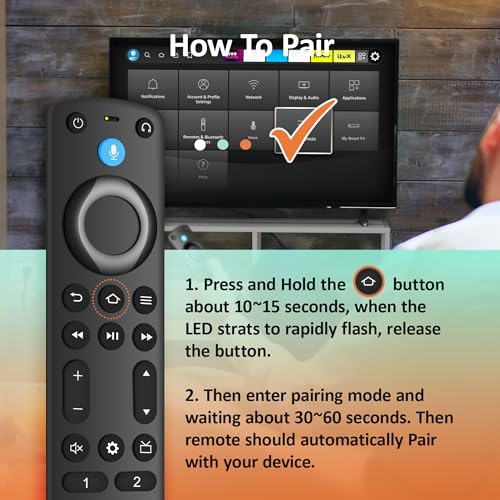
How to Pair: Start by removing the stick from your TV and disconnecting the power from the stick. Then reconnect the power and insert the stick back into your TV. Next, press and hold the Home button for about 10-15 seconds until the LED indicator flashes amber rapidly for 10 seconds. After that, your remote will automatically pair with your device
Package Includes: 1× Voice Remote Control (AAA batteries not included), 1× Detailed User Guide, and dedicated customer support to help ensure everything works smoothly
Related Products

There are no customer reviews yet. Be the first to Write a Review!